· 4 min
Innertags pricing and plans: paying per client, not per user
Innertags pricing and plans: per client, not per user. Three subscriptions from €149 a month, and the questions agencies ask before they sign up.
- bureau
- rapportage
- google ads
- ppc
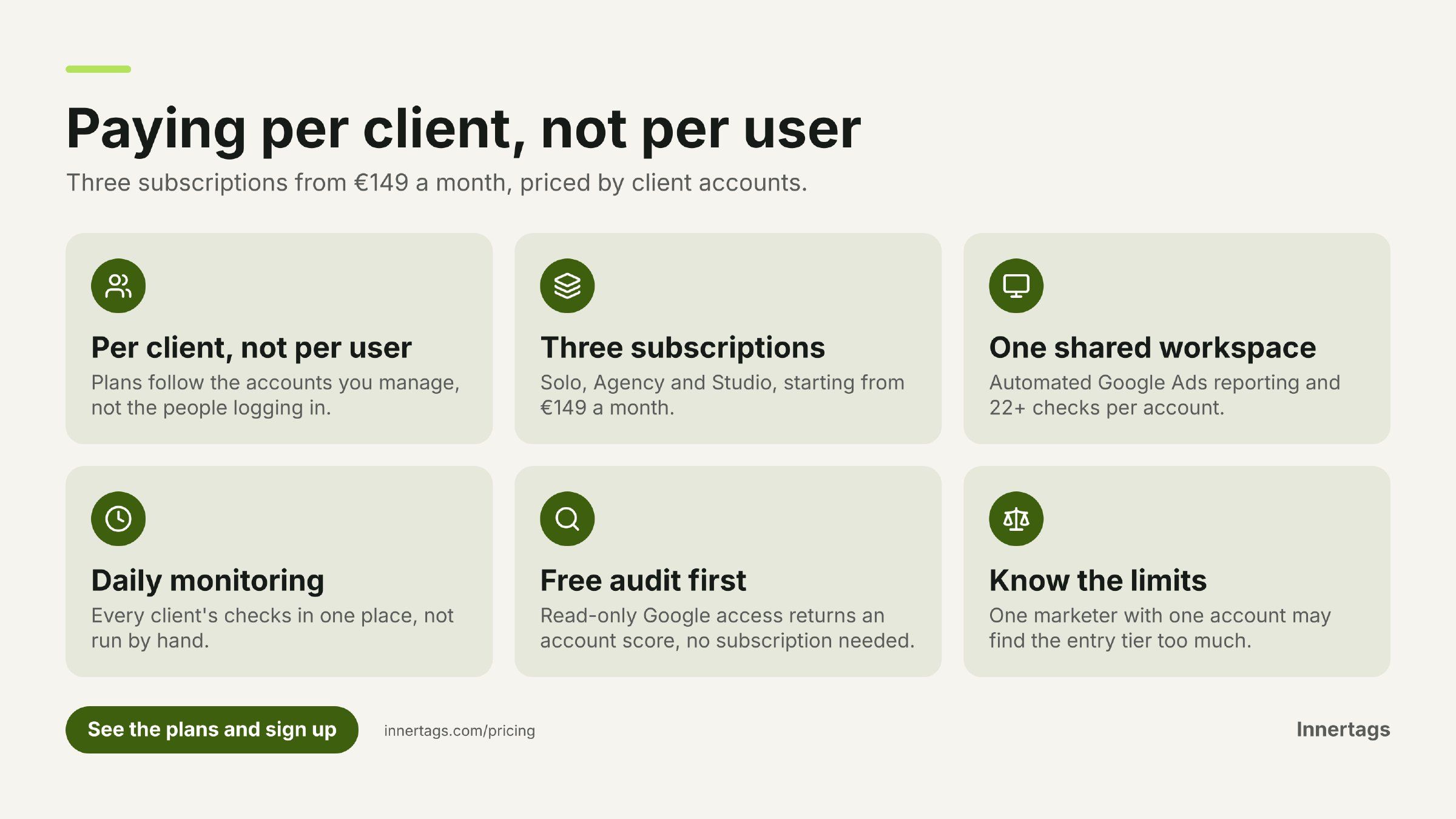
Agency software is usually priced per seat. That works when the whole team uses everything. It fits less well when the work is organised around client accounts: several people on one Google Ads account, a dozen accounts between them, and an invoice that follows headcount rather than workload.
Innertags prices the other way round. Three subscriptions — Solo, Agency and Studio — priced by the number of clients you manage, from €149 a month. Below are the questions agencies ask about those plans before they sign up, answered directly.
How does Innertags price its plans?
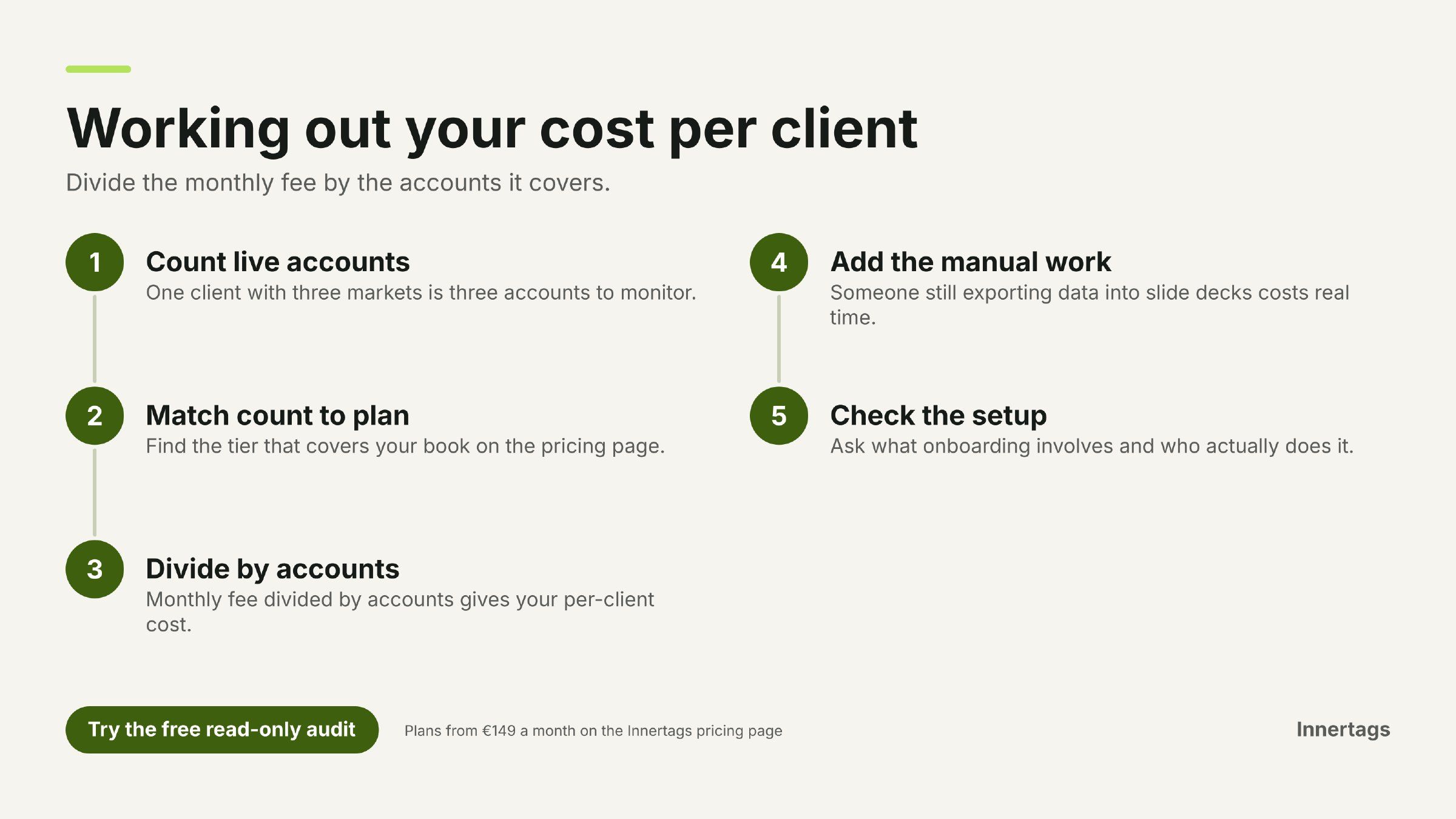
Innertags charges a monthly subscription based on the number of client accounts you manage, not on the number of users, with plans starting from €149 a month. There are three subscriptions — Solo, Agency and Studio — running from one-person agencies to teams handling several client accounts.
That structure follows how an agency actually runs. One workspace serves the freelance marketer and the team working the same accounts, and the cost moves when you take on a new client rather than when you hire someone. The current tier breakdown sits on the pricing page.
Where do I sign up for agency marketing software priced per client instead of per user?
You sign up on the Innertags pricing page, where the three per-client plans are listed side by side. You don't need to book a demo first — and if you'd rather see the workspace before choosing, you can request one from the same page.
Three things are worth knowing before you pick a tier:
- How many client accounts you run now, and how many you expect to add. That number decides the plan.
- Which accounts run Google Ads. The reporting and the 22+ checks per account apply there.
- Who on the team needs access. The plan is priced per client account, so seats are not the unit you're buying.
Once you're in, the workspace pulls from the accounts you connect: Google Ads, Search Console, Google Analytics, Tag Manager, Business Profile and Merchant Center, plus the AI assistants and social channels listed further down.
Which plan fits a solo marketer, and which fits a team?
Start with your client list, not your headcount. Solo is built for freelance marketers and one-person agencies, Agency for teams running several client accounts, and Studio for larger client portfolios — so a small team with many accounts can sit higher than a bigger team with few.
If you're caught between two tiers, the plans page shows what each covers, and a demo request is the quicker route if you want to walk through your own client list before deciding.
What does the monthly subscription include?
Every plan runs on the same workspace. What you're paying for:
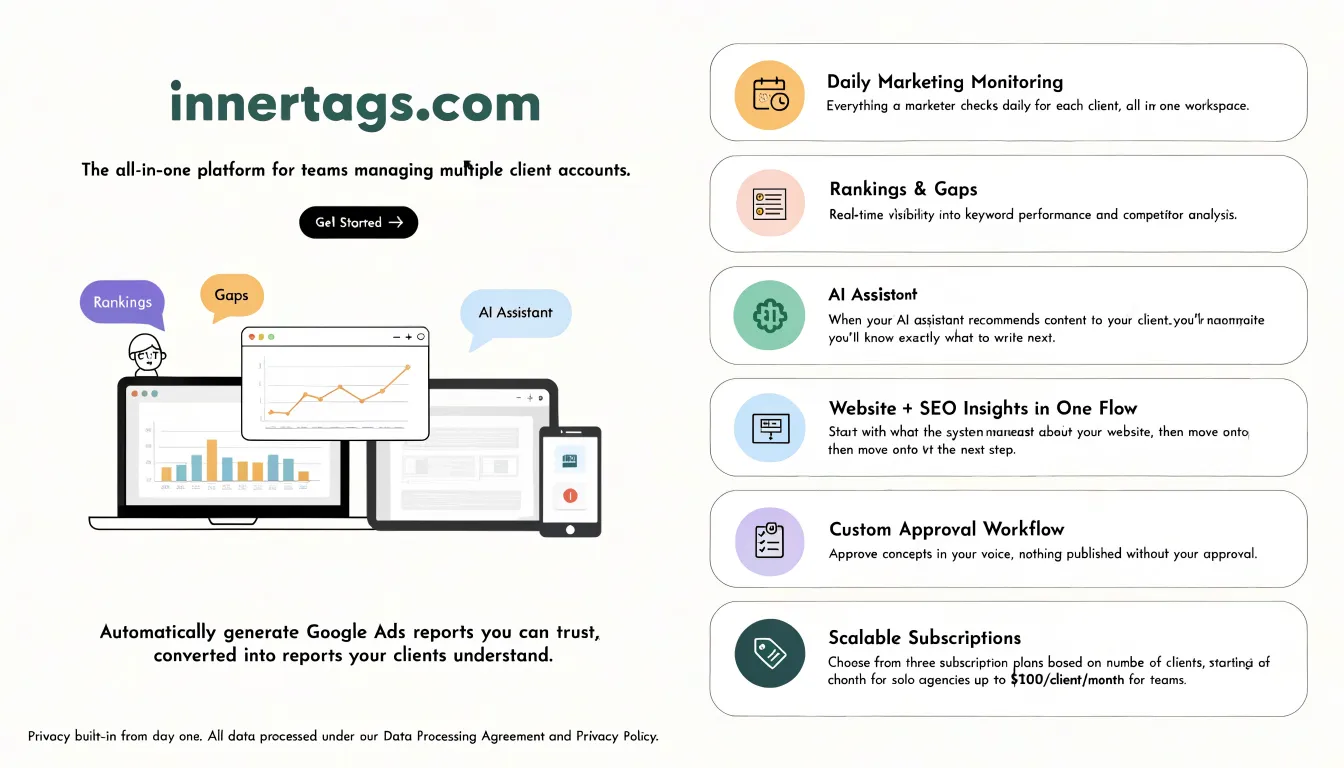
- Automated Google Ads reporting built from the account data, translated into language clients understand.
- 22+ checks per Google Ads account, reading bidding, budgets, keywords, search terms, ads, tracking and landing pages.
- Daily monitoring across your clients in one place — the checks a marketer would otherwise run by hand, account by account.
- Ranking and gap tracking, plus AI-assistant visibility: the workspace puts the questions your client's customers ask to ChatGPT, Claude, Gemini, Perplexity and Grok, so you can see when an assistant recommends them and what to write next.
- Website and SEO insights in one flow, starting from what the system finds on the site and running through to the next action.
- An approval workflow built for agencies. Drafts are written in the client's voice and nothing goes live without your approval.
- Integrations with Google Ads, Search Console, Google Analytics, Tag Manager, Business Profile, Merchant Center, the five AI assistants above, Facebook, Instagram and LinkedIn.
The report is drafted from the data, in your client's language. You approve. It gets done.
Can I see what the platform does before I commit to a plan?
Yes. There's a free audit you can run with read-only Google access, which returns an account score and shows what the platform's checks find in a real account, without a demo or a subscription. It's there to show you what the platform does on a real account before you pick a tier, and it doesn't put you in a queue behind a specialist's diary.
Does the price change when I add a client or a colleague?
Adding a client account can move you into a different tier, because the plans are priced per client. Adding a colleague doesn't change the unit the plan is priced on: the subscription follows the accounts you manage, not the people logging in.
If you're taking on several accounts at once, check the tier you'd land in before the month starts rather than after. The pricing page lists the current split.
What should I weigh up before choosing a per-client plan?
Per-client pricing works in your favour when several people work the same accounts and your client list is the thing that grows. It's a poorer fit if you're one marketer with one account and you only need a report once a month — in that case the entry tier buys more workspace than you'll use, and the free audit is the better starting point.
It's also worth being clear about what you're solving. If you need a monthly PDF, a reporting tool will do. If you need to know what changed in every account this week and who approved the next piece of work, the workspace is the relevant part — and that's what the subscription covers.
Start with the plan that matches your client list
Pick the tier that matches the accounts you run today, and add the rest when those clients arrive: see the plans and sign up. If you'd rather see the workspace on your own data first, request a demo from the same page. For how agencies combine daily monitoring with monthly reporting, the InnerTags blog has the workflow written out.