· Innertags· 6 min
Google Ads reporting tool pricing: agencies pay per client?
What a Google Ads reporting tool costs per client: how Innertags' subscription works, how to calculate your own figure and what to ask before you sign.
- rapportage
- bureau
- google ads
- ppc
Two agencies can run the same reporting tool and still pay a different amount per client. Not because one negotiated better, but because the pricing model is built on something other than the client count. That is why the monthly fee on a pricing page tells you very little until you divide it by your own book of accounts.
Below: what Innertags charges, how to calculate the per-client figure for your agency, and the questions worth asking before you sign anything.
What does a Google Ads reporting tool for agencies cost per client?
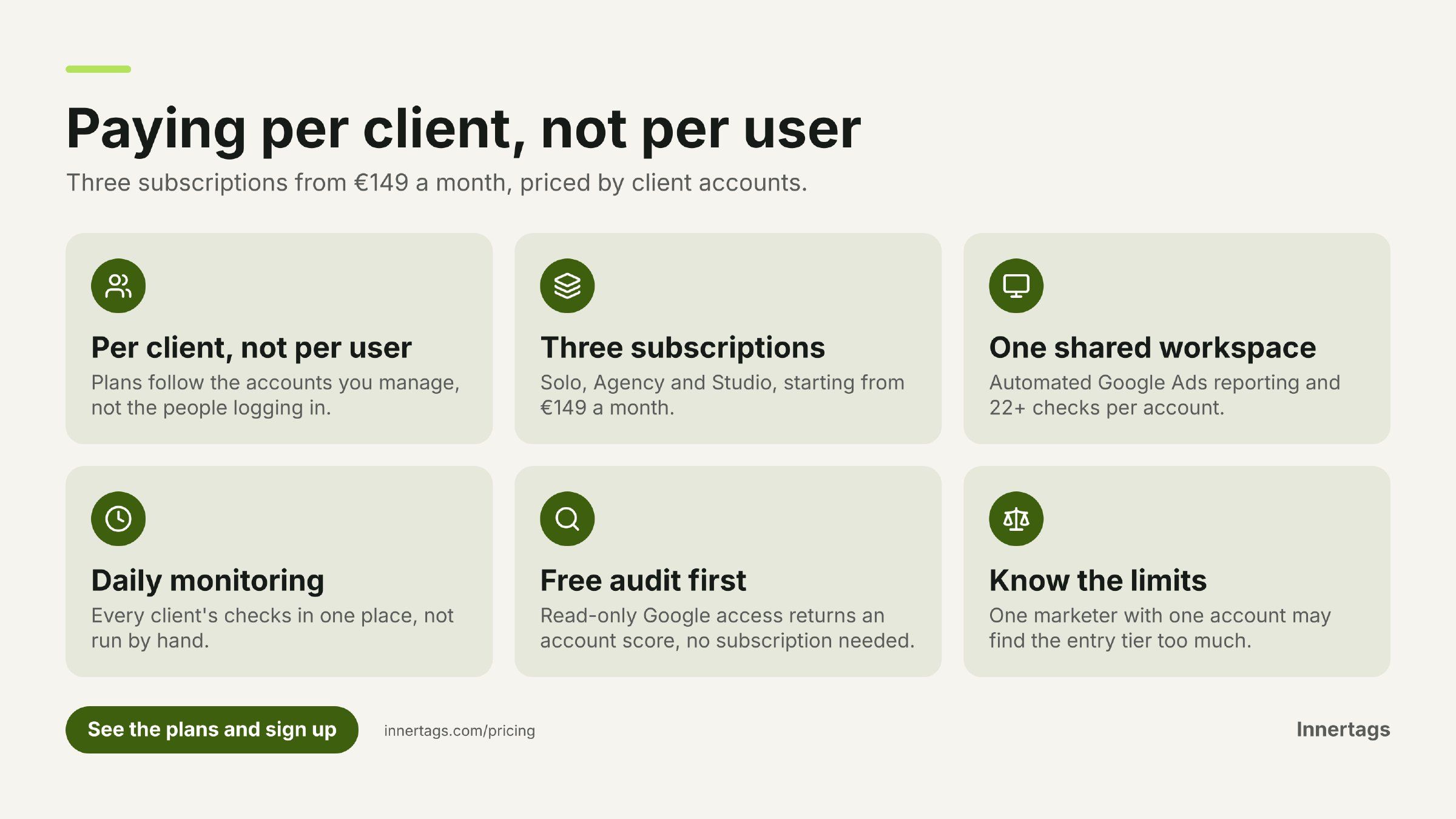
You get the per-client figure by dividing the monthly subscription by the number of client accounts it covers, and with Innertags that subscription starts at €149 a month, priced by how many client accounts you run rather than by your ad spend.
That last part matters. The platform is sold as three plans — Solo, Agency and Studio — and the tier you land in is set by the size of your client book. The per-client number is therefore a calculation you make, not a list price someone quotes you: monthly fee ÷ accounts covered.
What is published: the starting price of €149 a month and the three-plan structure. What is not published in this article: the exact fee for each tier and the account count each tier covers. Those are on the pricing page and change with the plan you pick, so check the current numbers there instead of working from a figure someone mentioned a year ago.
Per client account or per ad budget: which model is cheaper?
Neither, in the abstract. The two models scale on different things, and which one suits you depends on the shape of your client book.
One model is a fixed subscription tied to ad budget. The other is what Innertags does: three subscriptions priced by the number of client accounts.
Run both against your own numbers before you decide:
- Many small accounts. A per-budget model charges little per account; a per-client model charges for each one. Count your accounts first, not your total spend.
- Few accounts with large budgets. The per-budget model climbs with the spend you manage, even though the reporting work per account barely changes.
- Accounts that come and go. Ask what happens when a client leaves mid-year or a new one signs in month two. A model that follows your book adjusts with it.
The honest version: if you run two accounts with heavy spend, a budget-based model may work out fine. If you run a dozen smaller accounts, per-client pricing is easier to budget for and easier to explain to a client on an invoice.
How do you work out the cost per client across a whole agency book?
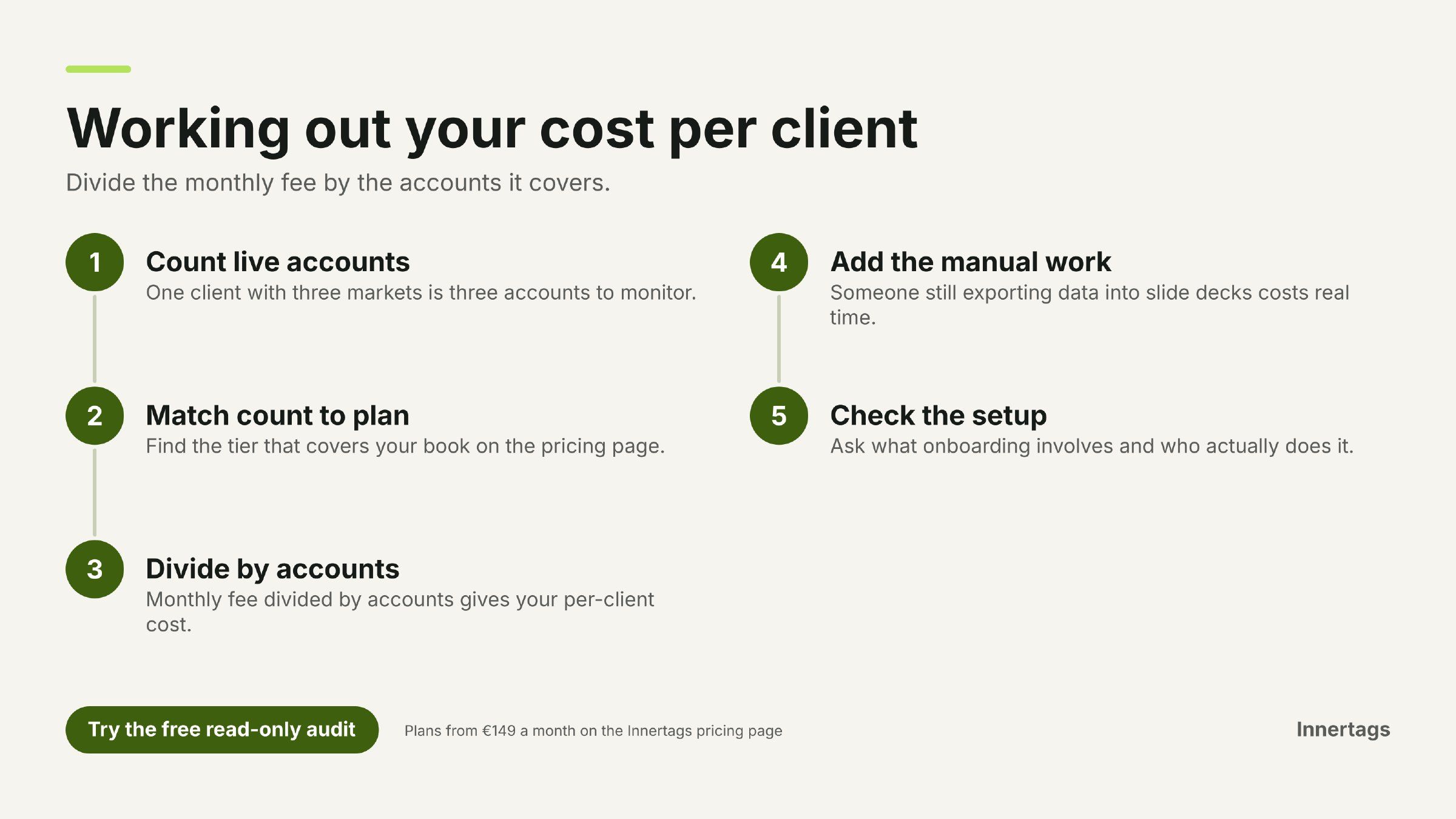
Take your account list, pick the tier that covers it, divide the monthly fee by the number of accounts, then add the manual work the tool replaces. That third step is where most comparisons go wrong.
A worked method:
- Count live accounts, not clients. One client with three markets is three accounts to monitor and report on.
- Match the count to a plan on the pricing page and note the monthly fee.
- Divide by accounts to get the per-client cost.
- Add what you stop doing by hand. If someone still exports Google Ads data into a slide deck every month, that time is part of the real price.
- Check the setup. Ask what onboarding involves and who does it.
Step four is the one to argue about internally. A tool that costs more per client but removes the monthly report build can still be the cheaper option; a cheaper tool that leaves the reporting manual has not replaced anything.
Is there a free way to see what the tool would find before you pay?
Yes. Innertags offers a free audit with read-only access via Google, which gives you an account score, an estimated saving in euro and insight from its checks, without a demo or a subscription.
Read-only access means you connect an account and the system reports what it sees. That is useful for two reasons. First, you find out what the platform picks up on your accounts before you discuss a plan. Second, the estimated saving gives you a number to set against the subscription when you make the per-client calculation above.
If you would rather see how the reporting looks with your own data in it, the team publishes worked examples on the InnerTags blog.
What is included in an Innertags subscription?
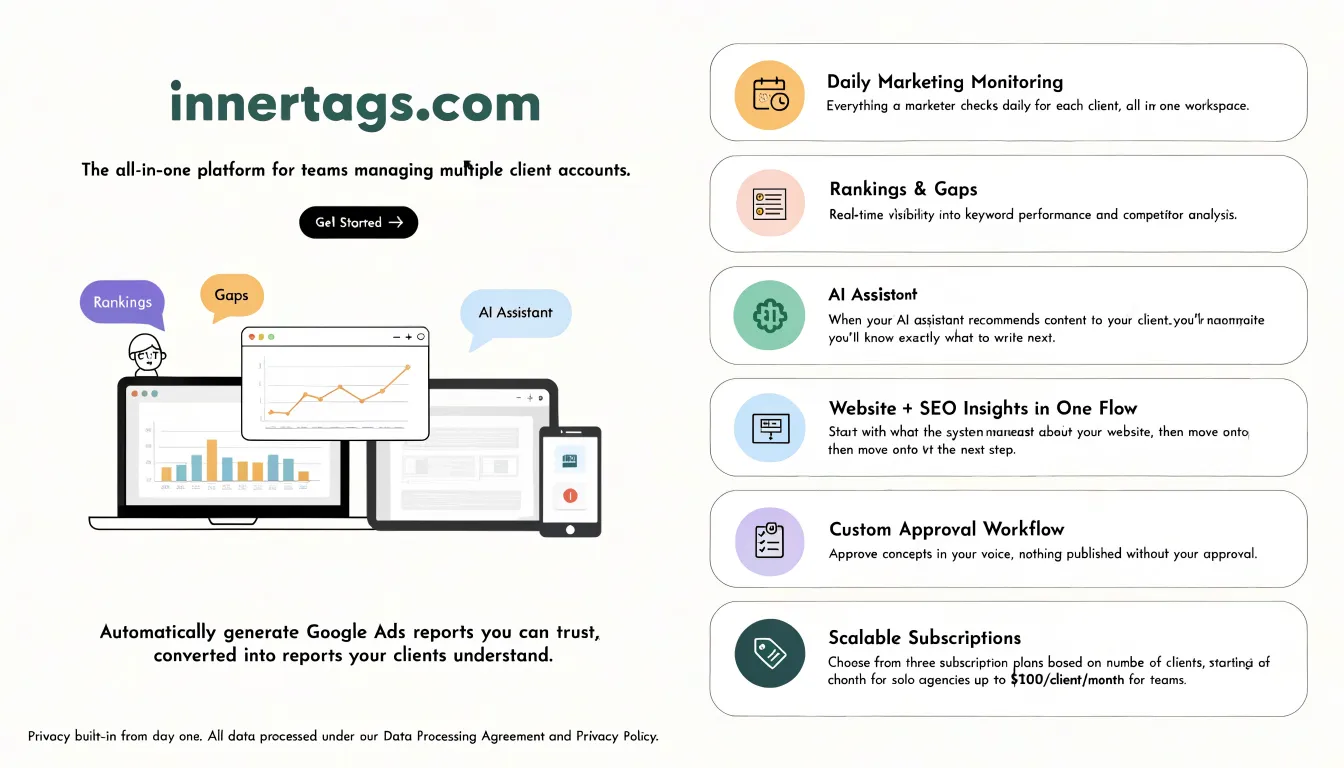
One workspace covering what a marketer checks daily: Google Ads analysis, rankings, website and SEO insights, and whether AI assistants recommend your client. Which parts sit in which plan is set out on the pricing page.
The platform's scope, as the product describes it:
- Google Ads analysis with 22+ checks per account, reading bidding, budgets, keywords, search terms, ads, tracking and landing pages.
- Automatic reporting drafted from the data in the client's language, so the numbers arrive as a report a client reads rather than a wall of screenshots.
- Daily marketing monitoring across accounts in one place, instead of a weekly or monthly sweep.
- Rankings, gaps and AI assistant visibility, including whether ChatGPT, Claude, Gemini, Perplexity or Grok recommend your client and what to write next.
- An approval workflow: drafts are written in the client's voice and nothing goes live without your sign-off.
- Integrations with Google Ads, Search Console, Google Analytics, Tag Manager, Business Profile, Merchant Center, the AI assistants above, and Facebook, Instagram and LinkedIn.
Which plan fits a solo marketer, and which fits a team?
The three plans run from a solo marketer to a team managing several client accounts, and the account count decides where you land: Solo, Agency and Studio.
Solo is the entry point for a freelancer or one-person agency. Agency is built for bureaus running multiple client accounts. Studio is the third plan on the pricing page. Rather than guess from the name, open the pricing page and match each plan to the number of accounts you actually manage — that is the only variable that moves you between tiers.
What should you ask before you sign a reporting subscription?
Ask for the per-client number at your own account count, in writing, plus what happens when that count changes. Most pricing surprises come from the questions nobody asked at the start.
- What does the fee come to per client at my current account count, and at my count in six months?
- What happens when I add an account mid-month?
- Which integrations are included, and are any of them extra?
- Is the report generated automatically, or does someone still assemble it?
- Can I see the audit output on a real account before committing?
- Who approves content before it is published, and can that step be configured per client?
Where this tool is not the right fit
If you run a single Google Ads account and report to one client quarterly, a spreadsheet and the Google Ads interface will do the job, and a subscription is money you do not need to spend. The same goes for an agency that does no paid search and no ongoing monitoring: there is nothing here to automate.
Innertags is built for agencies where the reporting and checking repeat across several accounts, and where the volume is what hurts. The approval workflow and the daily monitoring only earn their keep when there is a steady flow of client work to approve and check.
Next step
Work out your own per-client figure first: count your accounts, match them to a plan on the Innertags pricing page, and divide. If you want a look before you decide, the free audit with read-only Google access reports an account score and an estimated saving in euro alongside its checks, with no demo and no subscription. When you are ready, start a trial or request a demo from the same page.